


Any home worker knows all too well how poor connectivity can impact their working day, which is why MID Digital Solutions have pulled together their top tips to share with our customers and help you build a reliable connectivity solution for working from home.

Home Broadband
Residential broadband services are great for getting us connected, enabling us to stream video and browse online whenever we want, but they’re not built to withstand the demands of working from home. Although 95% of UK homes now have access to superfast fibre broadband, providing speeds of no less than 30Mbps, Ofcom has reported that only 45% are using it.
So, which broadband variety is best for home working? Of course, it depends on the demands of your business, but generally, if you don’t have fibre broadband yet, you should look to upgrade.
ADSL broadband, which uses copper telephone lines to carry the signal, provides average speeds of 8Mbps, just enough for sending and receiving emails. It’s also approaching end of life with the upcoming withdrawal of the PSTN in 2025, meaning, if you’re still relying on this legacy technology, you’ll need to upgrade soon or risk losing connectivity.
Fibre broadband is the future and it’s currently available in two forms: Fibre to the Cabinet (FTTC) and Fibre to the Premises (FTTP). Openreach are currently rolling out full fibre connectivity across the UK, making speeds of 1Gbps more accessible, with availability currently around 3.5 million premises.
Although more expensive and less widely available than ADSL or FTTC, FTTP is the fastest, most reliable form of broadband, guaranteed to enable effective home working.
If full fibre is not yet an option for you, FTTC is the next best thing. Using fibre technology from the local exchange to the roadside cabinet, and then a short copper cable from the cabinet to your home, it offers speeds of up to 80Mbps and much greater reliability than ADSL.
On average, a speed of around 30Mbps should be sufficient for the home worker and will be able to support VoIP solutions, however, if you find yourself downloading and uploading large files every day, you might need a faster connection, or perhaps consider a purpose-built business connection, which comes with many more benefits, including dedicated support teams and prioritised traffic.
| Residential Broadband | Business Broadband |
| Network built for residential applications | High network availability, resilience and SLAs |
| Consumer-focused service support | Network optimised for business application |
| No central management | Business-focused service support |
| Each employee owns relationship with ISP | Central management of multiple sites |
| Basic security/content filtering | One relationship for all connectivity |
| Totally dynamic IP only | Business security |
| Fixed IP, various IP options available |
Not sure whether your speed is up to scratch? By running a simple speed test online, you can find out just how fast your broadband is and whether it would be worth upgrading it to make working from home more efficient.
WiFi
If you’re happy with your broadband speeds but still struggling with reliability, WiFi could be the issue. Poor Wi-Fi coverage leads to frequent dropouts and degraded performance but there are a number of steps you can take to optimise your connection. The WiFi signal radiates from the router in a spherical direction, meaning putting your router in the centre of the home is usually best for even coverage. If positioning the router centrally isn’t possible, you should at least make sure that it is unobstructed, for example, not on the floor or in a cupboard.
It’s also vital to ensure your router’s firmware is up to date as this can affect both speed and security. Regularly check for updates to be sure your connectivity is as fast and secure as possible.
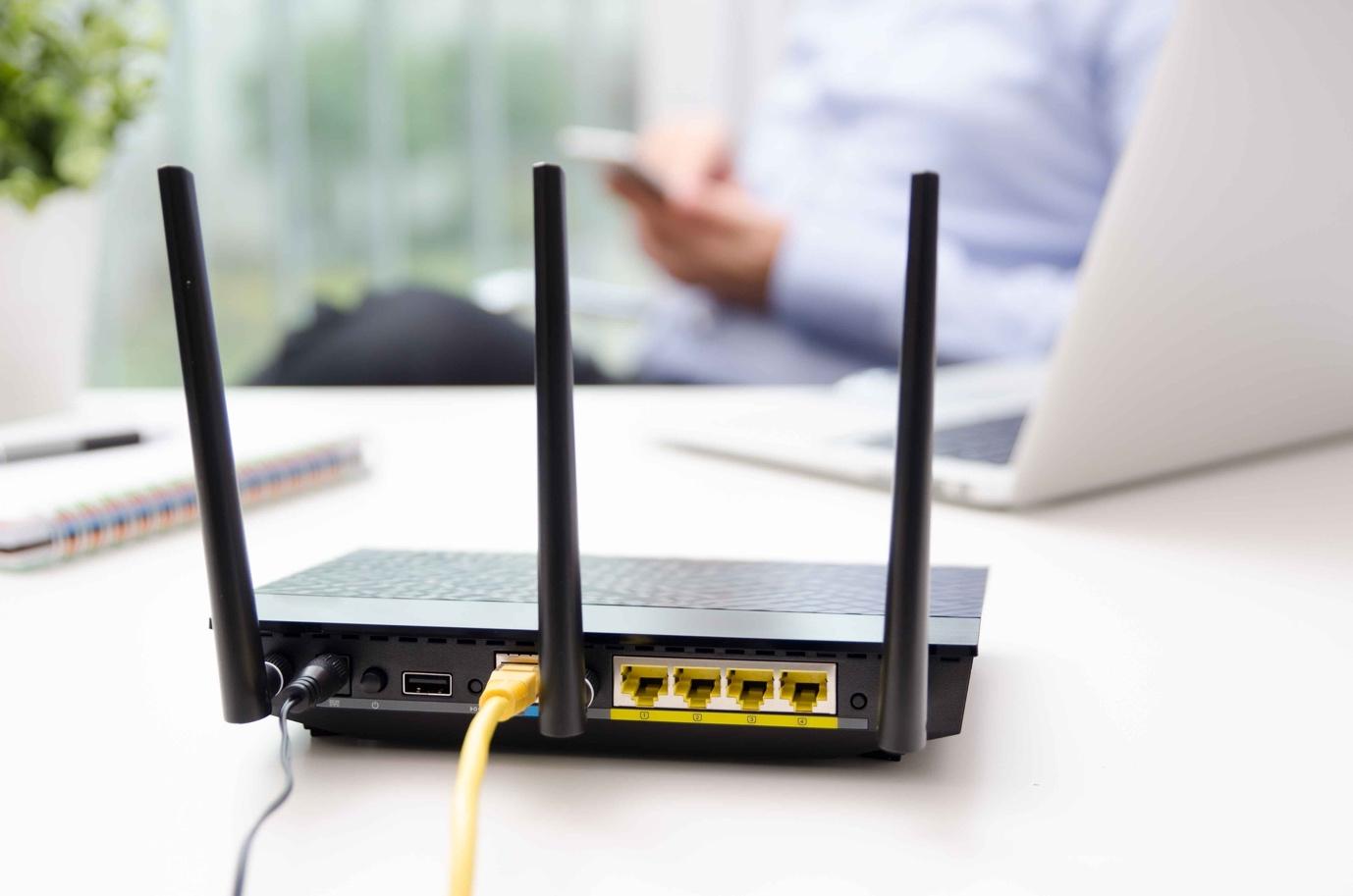
If your router is up to date but you’re still having trouble, try moving closer to the router as this can make your connection slightly stronger. Interior walls are difficult for WiFi signals to penetrate, weakening your connection if you are in another room, so try to work in the same room as your router. If closer proximity doesn’t work for you, a wired connection to the router may have the desired effect, provided your router is in a convenient location.
If you’re unable to work near to your router, you might need to upgrade to a model that provides better WiFi performance.
Another option is MESH routers which are designed to blanket the home in WiFi. Multiple MESH units can be placed around the home to provide you with widespread coverage, working together to boost your signal, no matter where you are in the home. When a single router is used independently, you often get limited coverage along with dead spots; MESH routers help to fill in the gaps and devices using the WiFi can connect to whichever device is nearest to them, meaning they don’t need to worry about low signal in specific areas of the home.
Mobile Connectivity
Connectivity isn’t just about your broadband or WiFi solution. With the launch of 5G last year and the increasing availability of the service across the UK, cellular data should also be a consideration for home workers as it can help you build a robust home connectivity solution.
5G is now available in 180 major towns and cities throughout the UK, but if it’s not available to you yet, mobile can still play a big role in your home connectivity, with 4G options also available.
5G Home Broadband or 4G Home Broadband can provide speeds rivalling FTTC, while using the same technology as your mobile, meaning it doesn’t rely on copper or fibre infrastructure at all. With mobile masts dotted all over the country, providing us with connectivity on the go, even in the most isolated locations, mobile broadband may be a more reliable and considerably quicker solution than home and satellite broadband in rural areas.
Whether you’re a new home worker struggling with connectivity or a business owner looking for a way to help your employees, we can help.
Why not speak to the team at MID Digital Solutions – We love to pass on our advice.
0161 974 6838
Or email us at hello@middigitalsolutions.com
Content courtesy of Digital Wholesale Solutions, see original article here: https://digitalwholesalesolutions.com/2020/10/how-to-build-a-work-from-home-connectivity-solution/